
Office & productivity
Get the right software.
Keep the setup moving.
Compare editions, system requirements and one-time purchase options—then get complimentary human help before and after your order.
Office & productivity
Compare editions, system requirements and one-time purchase options—then get complimentary human help before and after your order.

Windows & security
See Retail, OEM and upgrade differences, hardware requirements and lifecycle notes before choosing a license for your PC.

Server & infrastructure
Separate server, core, User CAL, Device CAL and RDS requirements with plain-English guidance built for real environments.
Start with what you need
 15 products
15 curated products
2 products2 curated products
 21 products
21 curated products
3 products3 curated products
 10 products
10 curated products
10 products10 curated products
Built to make the decision easier
Every guide connects product capability, licensing, compatibility and support—so you can understand the trade-offs before leaving for checkout.
See related products, earlier versions, platform differences and license scope in one decision-ready view.
Support-status and compatibility notes help distinguish a valid legacy need from an avoidable dead end.
Practical system requirements and RDS guidance go beyond the thin summaries found on many retailer pages.
Complimentary email, chat and eligible consent-based remote support cover order-linked setup and activation questions.
Most requested
Best sellers appear first, followed by the latest releases. Shortlist a product here, then choose the exact option and view live USD pricing on the original store.
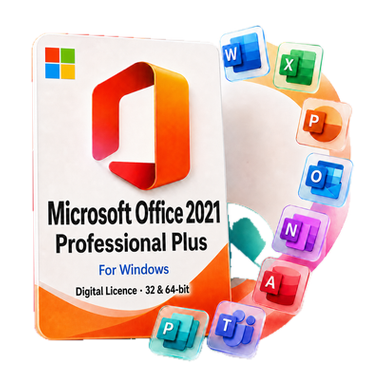 Best seller
Proven 2021 desktop productivity for one or multiple PCs.
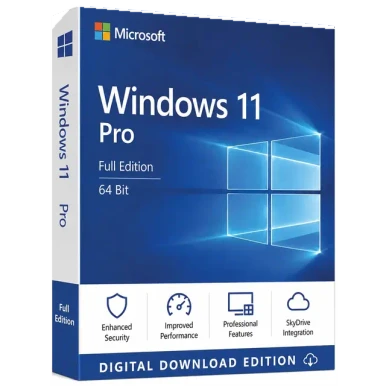 Best seller
Professional Windows for secure, capable business PCs.
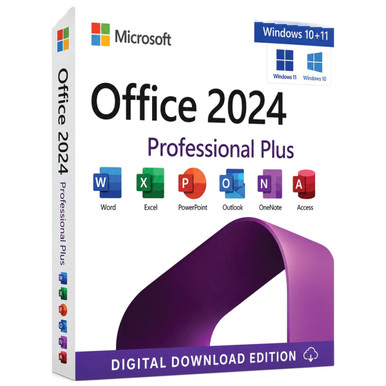 Popular
A broad Office 2024 desktop suite for professional workflows.
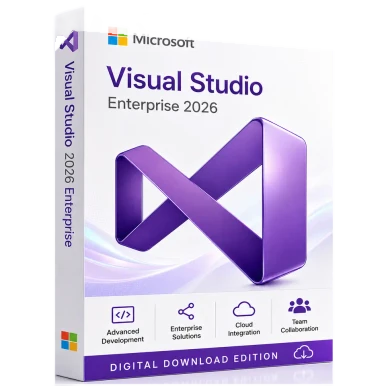 2026
Equip professional developers with the selected Visual Studio release and edition.
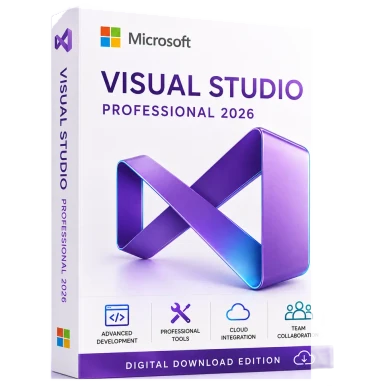 2026
Equip professional developers with the selected Visual Studio release and edition.
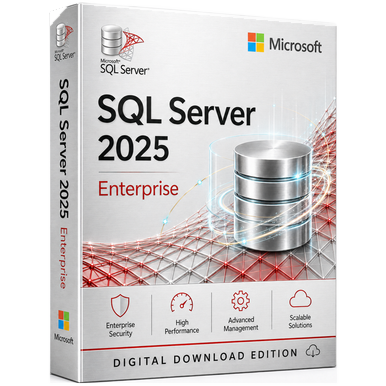 2025
Choose the SQL Server release and edition for the required data workload and access model.
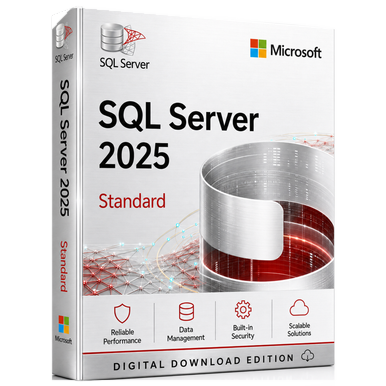 2025
Choose the SQL Server release and edition for the required data workload and access model.
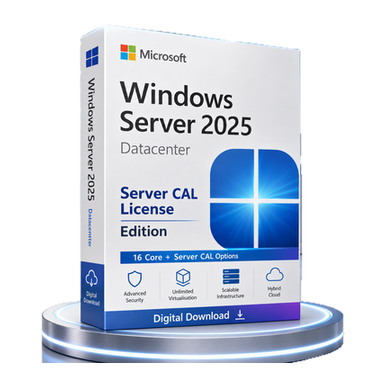 2025
Select the server edition, core coverage and access licenses required by the deployment.
From shortlist to setup
Each product page brings together the features, requirements, benefits, comparisons, support terms and FAQs that matter before purchase.
Read the license guidesMatch edition, platform, hardware, license model and device count to the real requirement.
Review availability, exact rights and U.S.-dollar pricing on the original store.
Complete secure checkout, then use complimentary support if delivery or setup needs a human touch.
For organizations
Server access, RDS, virtualization and multi-device Office deployments can depend on details that a product title cannot capture. Use the consultation checklist before you purchase.
Practical guidance
Understand the practical difference between a full Retail license, a device-bound OEM license and an edition upgrade before checkout.
Read guideCompare ownership model, feature updates, cloud services and device needs to identify the better fit.
Read guideA practical introduction to server licenses, User CALs, Device CALs and the extra rights required for Remote Desktop Services.
Read guideBuyer questions
These answers explain how the catalog, checkout and support work together.
Yes. Purchase links request U.S. Dollar pricing on the corresponding Software Mart Australia page. Confirm the final currency, option and total before checkout.
Most products in this catalog are delivered electronically. The source listing and order confirmation state the delivery method for the exact option you select.
Start with the device or server, operating system, edition, license type, users or PCs, and required transfer rights. Every product guide surfaces those checks before the buy button.
Complimentary email and chat help is available for selection, delivery, installation and activation questions. Eligible order issues may also receive consent-based remote assistance after verification.
Checkout, payment, order verification and fulfillment happen on Software Mart Australia. SoftwareMart.net is the U.S. discovery, comparison and guidance layer.
Plain-English guidance and a direct path to current USD options.
Release, platform, license scope and system requirements in one place.
The exact seller and purchase destination remain visible before you leave.
Email, chat and eligible remote setup assistance for order-linked issues.
Need a second opinion?
Tell the support team your device, operating system and intended use. Complimentary email and chat guidance is available, with consent-based remote assistance for eligible installation and activation issues.